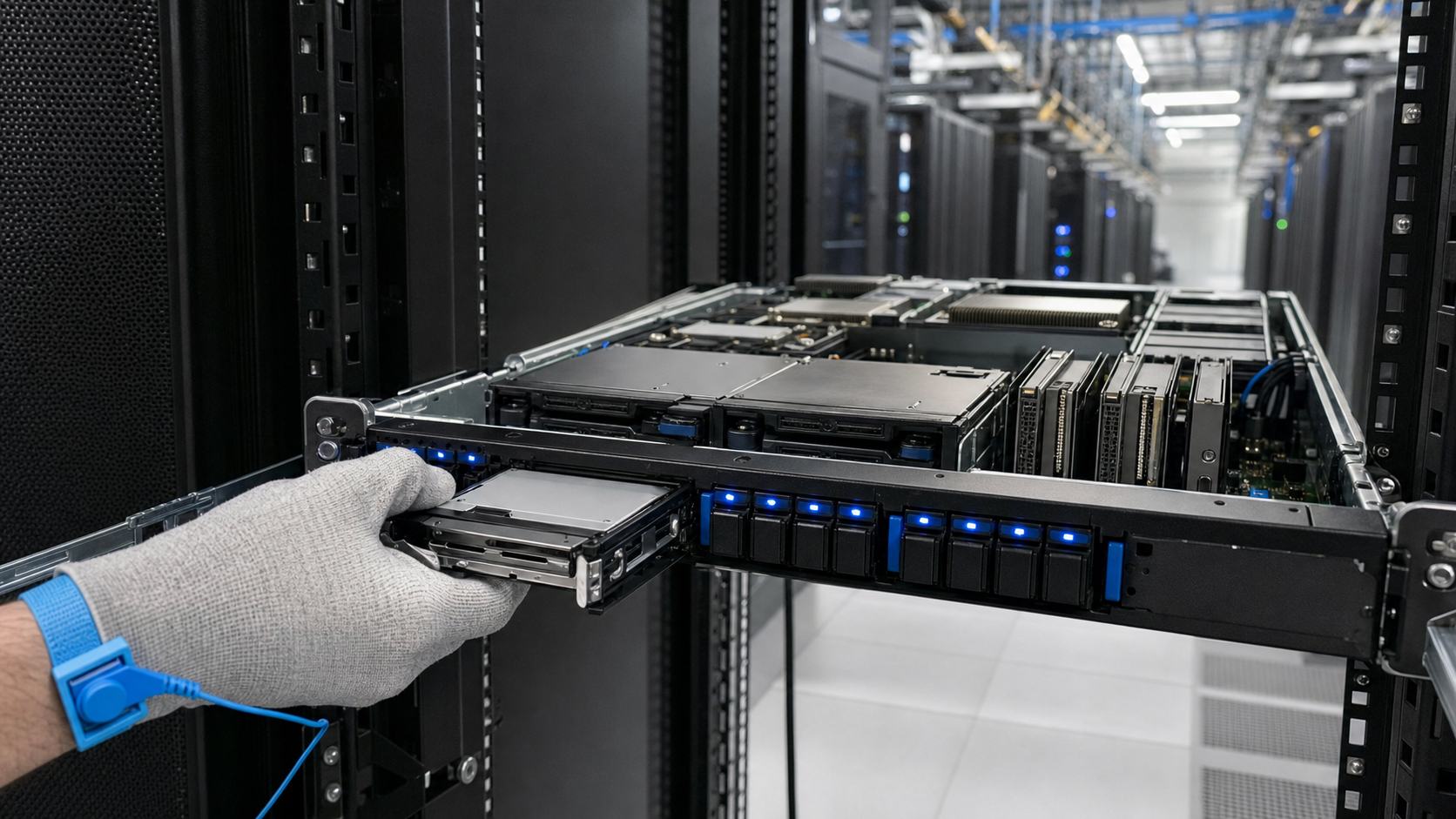
U.2, U.3 and E3.S enterprise SSDs are not universally interchangeable. U.2 and U.3 share the same physical connector (SFF-8639) and form factor, but U.3 adds tri-mode (SAS/SATA/NVMe) support. E3.S uses a different connector (SFF-TA-1002) and is physically incompatible with U.2/U.3 slots without an adapter. Compatibility depends on the server backplane, PCIe generation, controller support, and firmware. Always consult the server vendor's QVL.
Key takeaways
- U.2 and U.3 drives are physically interchangeable but electrically differ due to tri-mode support; check backplane and controller compatibility.
- E3.S drives require dedicated slots or adapters; they are not backward compatible with U.2/U.3 backplanes.
- Always verify PCIe generation support (3.0, 4.0, 5.0) and hot-plug capabilities with the server vendor's QVL.
Introduction
Enterprise SSDs are available in multiple form factors, including U.2 (SFF-8639), U.3 (SFF-8639 rev 2.0), and E3.S (EDSFF 1U Short). While they share the same PCIe electrical interface, mechanical and signaling differences can cause compatibility issues. This guide provides a systematic checklist to evaluate whether a given drive works with your server or storage system.
Always verify compatibility with the server or storage vendor's Qualified Vendor List (QVL) before deployment. The following points are general guidelines; specific platforms may have unique constraints.
Form Factor and Physical Fit
U.2 and U.3 drives share the same 2.5-inch form factor and SFF-8639 connector. They are physically interchangeable in most 2.5-inch drive bays. However, some older backplanes designed for U.2 may not support U.3's tri-mode (SAS/SATA/NVMe) signaling. E3.S drives use a different 1U short form factor with a 1.5-inch width and a unique connector (SFF-TA-1002). They are not physically compatible with U.2/U.3 bays without an adapter.
Check the drive bay depth: E3.S is shorter than U.2/U.3, so it may not reach the connector in some backplanes. Also, E3.S drives are typically used in 1U servers with dedicated E3.S slots. Some 2U servers support both U.2 and E3.S via interchangeable trays.
Electrical Interface and PCIe Generation
All three form factors use PCIe electrical signaling. U.2 and U.3 support up to PCIe 4.0 x4 (with backward compatibility to PCIe 3.0). E3.S supports PCIe 4.0 x4 and PCIe 5.0 x4 in later revisions. Confirm that the server's PCIe slot or backplane supports the drive's PCIe generation. Mixing generations is possible (e.g., a PCIe 4.0 drive in a PCIe 3.0 slot) but will limit speed.
U.3 adds support for tri-mode (SAS/SATA/NVMe) via the same connector, but this requires a compatible controller. If the backplane is wired for NVMe only, a U.3 drive in SAS/SATA mode will not work. Similarly, E3.S drives are NVMe-only; they do not support SAS or SATA.
Hot-Plug and Hot-Swap Support
U.2 and U.3 support hot-plug when the backplane and controller comply with the SFF-8639 specification. E3.S also supports hot-plug per the EDSFF specification. However, hot-plug functionality depends on the system's PCIe hot-plug implementation. Some older servers require a reboot after inserting a drive. Check the server's user guide for hot-plug enablement steps.
For U.3 drives in tri-mode, hot-plug behavior may differ between SAS/SATA and NVMe modes. NVMe hot-plug is more standardized, while SAS/SATA hot-plug follows legacy rules. Always test hot-plug with your specific hardware before production use.
Backplane and Cable Compatibility
U.2/U.3 backplanes are typically wired with four PCIe lanes per slot. Some backplanes use a single x4 link shared across multiple slots via a PCIe switch, which can reduce performance if oversubscribed. E3.S backplanes often use direct connections to the CPU or PCIe switch. Verify the backplane's lane allocation and ensure it matches the drive's requirements.
Cabling: U.2/U.3 drives use SFF-8639 to SFF-8643 (or SFF-8611) cables. E3.S uses a different connector (SFF-TA-1002 to SFF-8654). Ensure you have the correct cables for your drive and controller. Some adapters exist (e.g., U.2 to E3.S), but they may introduce signal degradation at high speeds.
Platform-Specific Considerations
Intel Xeon Scalable (3rd Gen and newer) and AMD EPYC (7002 and newer) platforms natively support PCIe 4.0 and have enough lanes for multiple NVMe drives. However, some older platforms (e.g., Intel Xeon E5 v4) only support PCIe 3.0 and may not have native NVMe support on the chipset. In such cases, a PCIe switch card or HBA is required.
For U.3 tri-mode, the controller must support SAS/SATA over PCIe. This is typically available on Broadcom Tri-Mode controllers (e.g., 9500 series). Check the controller's datasheet for tri-mode support. E3.S drives are not compatible with SAS/SATA controllers.
Firmware and Driver Requirements
Enterprise SSDs often require specific firmware versions for optimal performance and compatibility. Check the drive vendor's firmware release notes for supported platforms. Similarly, the server's BIOS and storage controller firmware may need updates to recognize newer drives. For NVMe drives, the NVMe driver must be installed in the OS (inbox drivers are usually sufficient for Linux and Windows).
Some U.3 drives may require a mode switch (e.g., from NVMe to SAS) via a utility or jumper. This is vendor-specific. Always consult the drive's installation guide.
Power and Thermal Considerations
U.2/U.3 drives typically draw up to 25W under load, while E3.S drives are designed for lower power (up to 20W) due to smaller form factor. Ensure the backplane can supply sufficient power per slot. Some high-performance drives may require additional cooling. In dense storage arrays, airflow must be adequate for all drives.
E3.S drives have a lower thermal envelope, but they may still require active cooling in high-ambient-temperature environments. Check the drive's datasheet for maximum operating temperature and the server's thermal design.
Conclusion
Compatibility between U.2, U.3 and E3.S SSDs depends on physical fit, electrical interface, controller support, and platform capabilities. Use this checklist as a starting point, but always confirm with the server and drive vendors' QVLs. When in doubt, consult a technical expert or the manufacturer's compatibility matrix.
As PCIe 5.0 and E3.S become more common, backward compatibility will remain important. Plan for future upgrades by choosing platforms that support multiple form factors and generations.
Frequently asked questions
Can I use a U.3 drive in a U.2 backplane?
Yes, physically it fits, but the backplane must support U.3's tri-mode signaling. If the backplane is wired for NVMe only, the U.3 drive will work in NVMe mode. For SAS/SATA modes, a compatible tri-mode controller is required.
Is E3.S backward compatible with U.2?
No, E3.S uses a different connector and form factor. Adapters exist but may introduce signal loss at high speeds. It is recommended to use native E3.S slots.
Do all U.2 drives support hot-plug?
Hot-plug support depends on the backplane and system implementation. Most modern servers support hot-plug for NVMe U.2 drives, but older systems may require a reboot. Check the server's documentation.
Verification sources
For a purchase decision, verify the current manufacturer datasheet and the target server or storage platform guide.