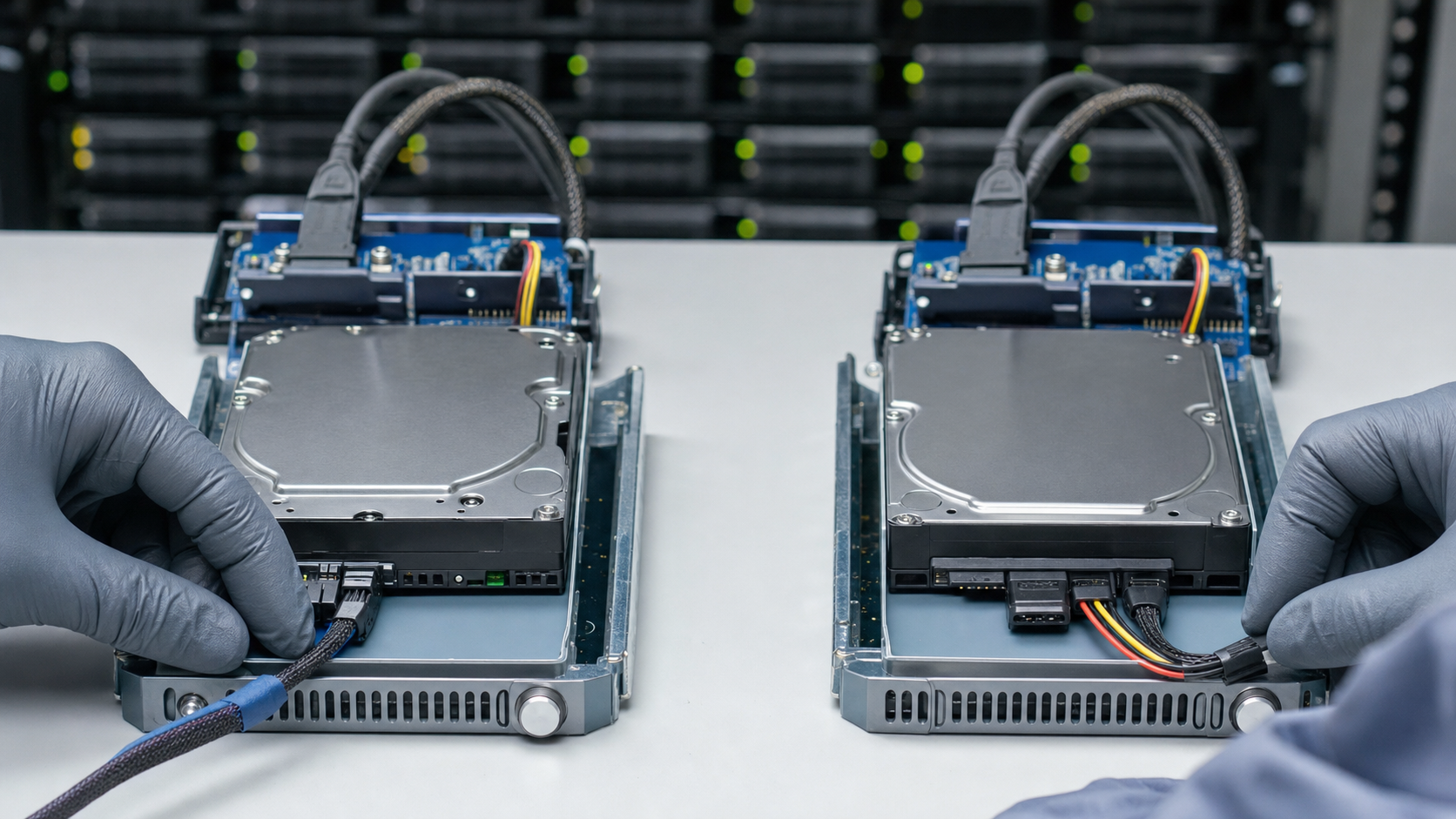
SAS and SATA drives may share a form factor, but they differ in interface behavior, port architecture, queueing, error handling and platform qualification. Match the failed drive’s full part number and array requirements before replacement.
Key takeaways
- A shared connector shape does not prove compatibility.
- Check sector format, firmware and array qualification.
- Plan RAID rebuild risk before introducing a replacement drive.
The interfaces serve different platform needs
SAS supports dual-port connectivity and enterprise storage features used by many server and array platforms. SATA remains common for capacity-focused workloads and nearline storage.
Do not match on capacity alone
Confirm interface, sector format, rotational speed, form factor, firmware and platform support. Some storage arrays require qualified firmware even when the physical specifications appear identical.
Replacement planning
For an urgent replacement, send the failed drive label and array model. For capacity expansion, confirm supported drive sizes, RAID policy and rebuild risk before ordering.
Translate the workload into measurable requirements
Start with service behavior rather than a product family name. Estimate average and peak reads and writes, block size, latency sensitivity, queue depth, retention period and expected annual growth. For SSDs, convert host writes into an endurance requirement and leave operational margin. For HDDs, identify whether the role is transactional, sequential capacity, backup, archive or RAID rebuild duty.
Document the consequence of failure and the maintenance model. A redundant array with stocked spares has a different procurement profile from a single boot device or a latency-sensitive database tier. Availability targets help determine whether dual-port access, power-loss protection, hot-swap support, firmware qualification or matched spares are required.
Verify the complete interface path
A form factor does not identify the protocol. A 2.5-inch device may use SATA, SAS or NVMe, while U.2, U.3 and newer enterprise formats depend on the correct backplane and cabling. Confirm controller model, supported protocol, connector, lane configuration, power envelope, hot-swap behavior and operating-system support.
Platform vendors may qualify specific drive firmware even when a generic drive has similar hardware specifications. In storage arrays, unsupported firmware can affect health reporting, LED behavior, error recovery and support eligibility. Record the original drive part number, firmware and carrier information before approving an alternative.
Compare endurance, media health and warranty correctly
For SSDs, read DWPD and TBW together with capacity and warranty duration. A larger drive may show a higher TBW without offering a higher normalized endurance class. Consider over-provisioning, write amplification, sustained performance after cache exhaustion and power-loss protection when the workload is more demanding than boot or read-mostly service.
For non-new SSDs and HDDs, request the health data appropriate to the device, but interpret it as one part of acceptance. Hours, bytes written, reallocated sectors, error logs and remaining-life indicators require context. A clean snapshot cannot prove future reliability, so condition disclosure, test method, warranty and serial traceability remain important.
Plan replacements around array behavior
Before replacing or adding a drive, confirm capacity, sector format, rotational speed where applicable, interface, firmware and array qualification. A 512e and 4Kn mismatch can prevent recognition. A nominally larger drive may still be rejected because of usable block count, firmware policy or carrier differences.
RAID rebuilds create sustained load and temporarily reduce redundancy. Check backups, current array health, rebuild priority and spare policy before work begins. Introduce one controlled change at a time, retain the removed drive until validation is complete and monitor predictive errors, latency and rebuild progress rather than relying only on a green status light.
Write procurement and acceptance criteria into the order
The RFQ should state exact model or part number, accepted alternatives, capacity, interface, form factor, endurance class, sector format, firmware constraints, condition, quantity and destination. Ask the supplier to separate confirmed specifications from assumptions and to identify whether carriers, adapters or cables are included.
On receipt, verify labels, seals, carriers and ESD packaging; reconcile serials and quantities; then collect baseline health information before production use. Acceptance should include platform detection, expected negotiated link, capacity, firmware, error-free functional testing and a workload-appropriate observation period. Preserve the evidence with the purchase record.
Frequently asked questions
Can a SATA drive replace a SAS drive?
Usually not as a direct equivalent. The controller, redundancy design, firmware and workload requirements must be checked.
Why does sector format matter?
A mismatch such as 512e versus 4Kn can prevent recognition or violate array qualification rules.
Should replacement drives have the same capacity?
Use the same or an explicitly supported larger capacity, while checking geometry, firmware and RAID policy.
Verification sources
For a purchase decision, verify the current manufacturer datasheet and the target server or storage platform guide.