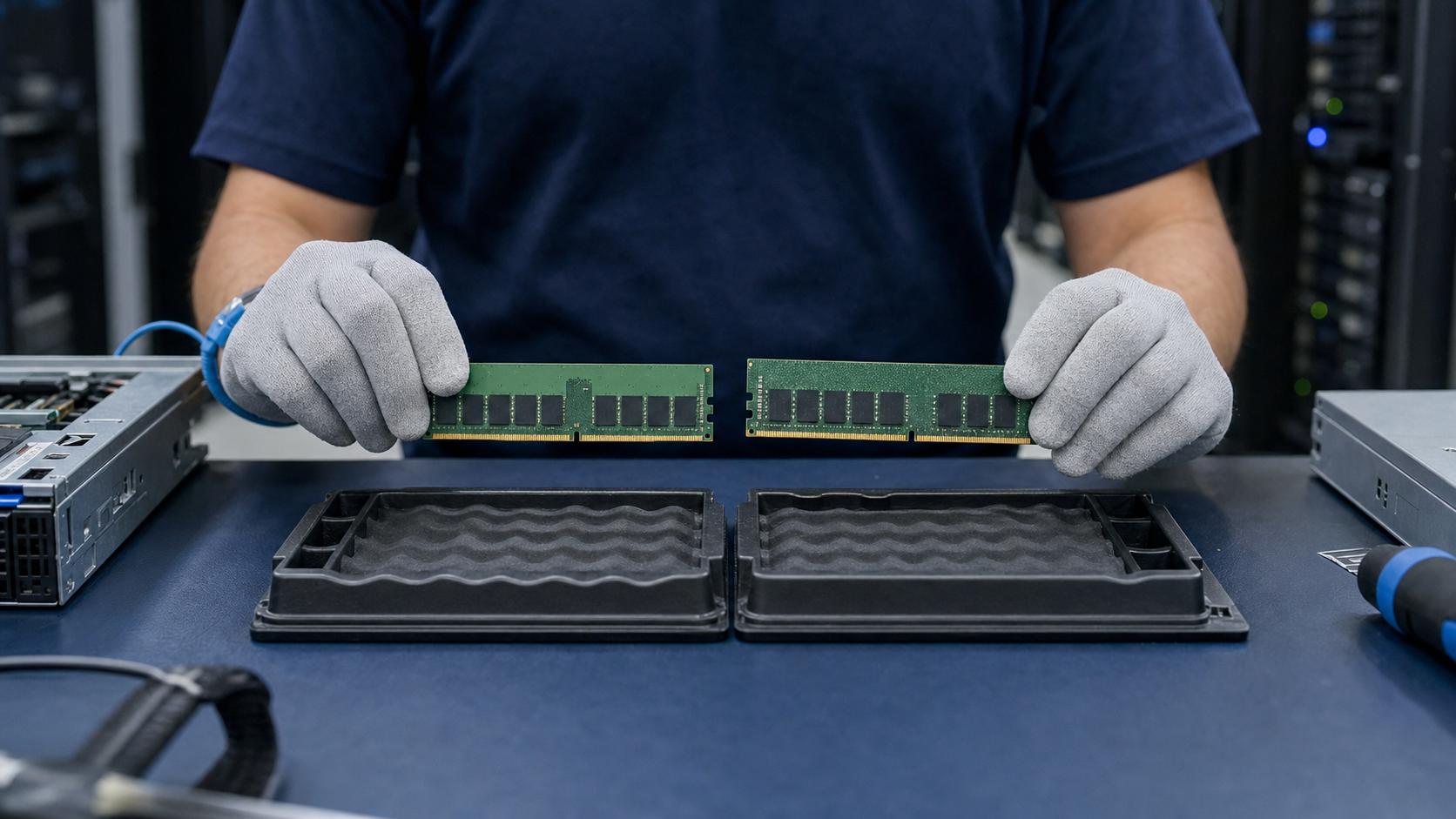
DDR4 and DDR5 server memory are different platform generations and are not physically or electrically interchangeable. The correct choice is determined by the processor memory controller, motherboard, firmware and supported DIMM population.
Key takeaways
- DDR4 and DDR5 cannot be mixed in one platform.
- Compare capacity per channel, not only per module.
- Use the server memory population guide before ordering.
Platform compatibility comes first
DDR4 and DDR5 use different physical and electrical designs. The server generation, processor memory controller and system firmware determine which modules are supported.
Capacity and speed are not the whole specification
Confirm RDIMM or LRDIMM type, rank, error correction, supported speed and population rules. A faster module may operate at a lower supported speed, but only when the platform and module type are compatible.
Plan spares by platform generation
For maintenance fleets, keep spare coverage aligned with installed server generations. For new AI and compute deployments, evaluate higher-capacity DDR5 configurations against channel balance and total platform cost.
Build a specification fingerprint before contacting suppliers
Treat the label as a compact specification record. Capture both sides of the module in good light and preserve the original photo with the service ticket. Transcribe the manufacturer part number exactly, including spaces, dashes and suffixes, then record capacity, DDR generation, rated data rate, module type and rank. The sales description is a search aid; the part number and platform documentation remain the verification anchors.
Also record the server model, processor generation, BIOS or firmware level and every populated memory slot. Memory behavior is determined by the whole channel layout. A module that is valid alone may cause a lower operating speed or an unsupported population when combined with higher-rank or different-capacity DIMMs. This context prevents a supplier from returning a merely similar part.
Understand the fields buyers most often confuse
RDIMM, LRDIMM and ECC UDIMM describe different electrical architectures. They are not interchangeable just because they have the same capacity and pin count. Rank is also different from the number of visible chip packages. Use the manufacturer datasheet or server population guide instead of inferring organization from photographs.
Rated speed is a capability, not a guarantee of system speed. The processor memory controller, number of DIMMs per channel, module rank and firmware rules can down-clock an otherwise compatible module. Ask whether the quotation matches the required speed bin or only a module that the platform may operate more slowly.
Check population rules and operational risk
For a replacement, compare the proposed DIMM against the modules already installed in the same channel and processor socket. Balanced capacity and symmetrical channel population usually produce more predictable performance. Some platforms support mixed capacities under specific rules, but the supported arrangement should be verified before a maintenance window begins.
For expansion, calculate the final memory map rather than ordering the number of empty slots. High-capacity modules can change rank limits, reduce maximum speed or require a different population sequence. Keep a rollback plan, current configuration export and known-good spare when the server supports a production workload.
Evaluate condition, testing and traceability
A quotation should identify whether modules are new, OEM, refurbished or tested pull. For non-new units, ask for visual inspection, contact condition, label integrity, functional testing and serial-level order records where available. Testing reduces uncertainty but does not replace platform compatibility verification.
Agree on warranty duration, DOA reporting time, evidence requirements and return authorization before shipment. On arrival, compare part numbers and quantities with the packing list, inspect ESD packaging, retain serial records and test in a controlled change window. Avoid mixing the first validation with unrelated firmware or hardware changes.
Use a repeatable RFQ and acceptance process
A strong RFQ contains the required part number, accepted alternatives, target server, installed CPU, current population, quantity, condition, destination and requested date. State whether matched manufacturer, revision or production batch is mandatory. If alternatives are allowed, require the supplier to identify every specification difference in writing.
Acceptance should be measurable: correct labels and quantity, no physical damage, successful POST, expected capacity, stable operating speed and an error-free observation period appropriate to the environment. Record the final slot map and serials so the next maintenance request begins with reliable data rather than another round of discovery.
Frequently asked questions
Can DDR5 fit in a DDR4 server?
No. The notch, signaling, power architecture and platform support are different.
Is a faster DIMM always faster in the server?
No. The installed processor, DIMM population and firmware determine the operating speed.
Should all channels have the same capacity?
Balanced populations are generally preferred for predictable bandwidth, subject to the platform guide.
Verification sources
For a purchase decision, verify the current manufacturer datasheet and the target server or storage platform guide.